1 GUI Programs Developed By Joe Churchwell
1.1 SDSU’s Challenge X in Vehicle GUI
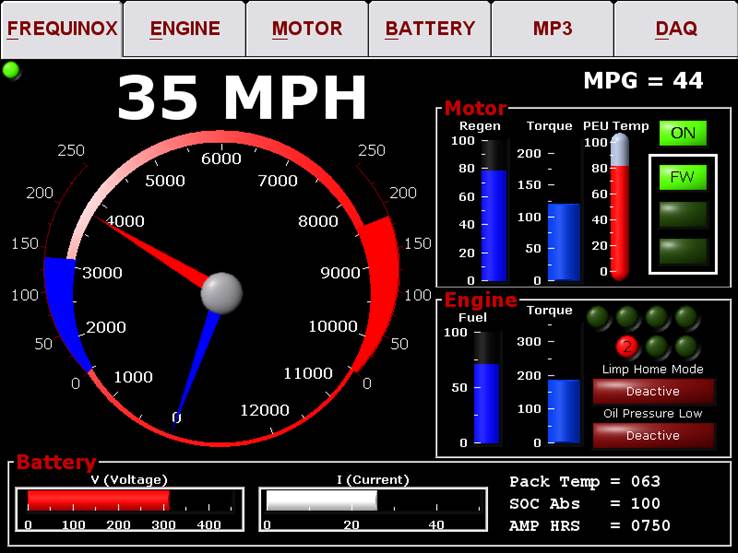
As a mechanical engineering student, ready to graduate from SDSU in 2005, I was tasked to create an in vehicle GUI to fulfil my senior project obligation. The hybridized Chevy Equinox that SDSU created was truly impressive and I wanted to make sure the in-vehicle GUI was no exception. In fact, I stayed on the team a year after I graduated to make sure everything went well and the vehicle GUI was up to the task at hand.
The program used CAN and RS-232 to communicate to the engine, transmission, battery management system and motor.
To read up on the full program please refer to this document: “in_vehicle_gui.pdf”
1.2 Audio Impact Invoice Program
My greatest personal creation of all time is still Audio Impact’s everyday program. This program is used on a day in and day out basis since the first release in 2004. Since then it has become an impressive program in regards to it being fully created by one solitary person. This was a project I worked very hard on for more than eight years during nights and weekends and it contains more than 10,000 lines of non-whitespace object oriented code. I will attempt to cover some GUI features here.
1.2.1 Login Form
When the program first starts a login screen is presented to the user.
1.2.2 Customers
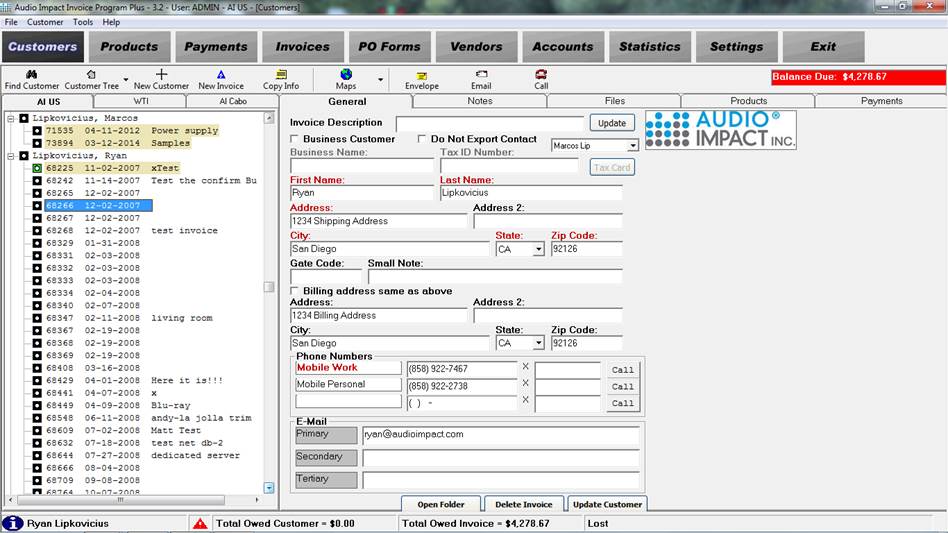
Once the credentials have been verified from the login screen a main form is loaded with customer information queried from a MySQL database. The relational MySQL database is the foundation of the invoice program where all the information is stored.
1.2.3 Products
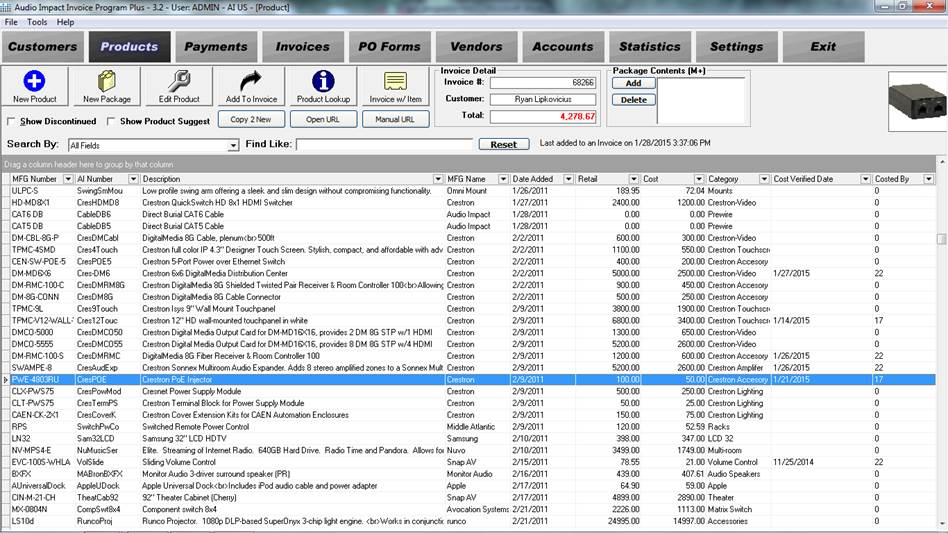
Products are needed for any company to create an initial invoice. This invoice program can perform all the required operations that an invoice program with products can have and more. Products can be related into product groupings and can be products of type labor, which is not taxable, for example.
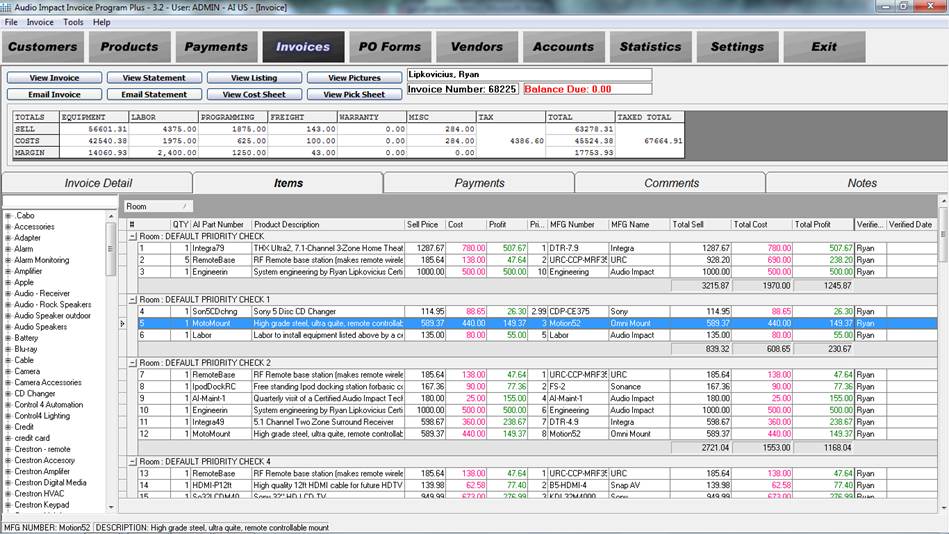
1.2.4 Invoices
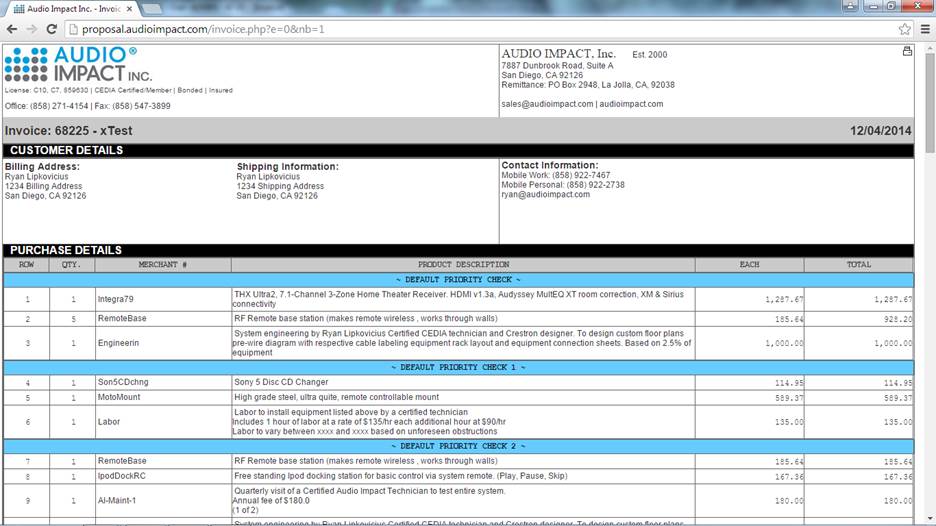
The user can add products to an invoice using the products form and can even specify the specific room in which the product is to be installed. From this form the user can change the invoice states (quote, confirmed, deposit payment, and paid in full for example) and generate invoice which are emailed to the user utilizing a temporary unique link to a dynamic web page.
1.2.4.1 Generated Invoice
Here is an example of a generated invoice.
1.2.5 Purchase Orders
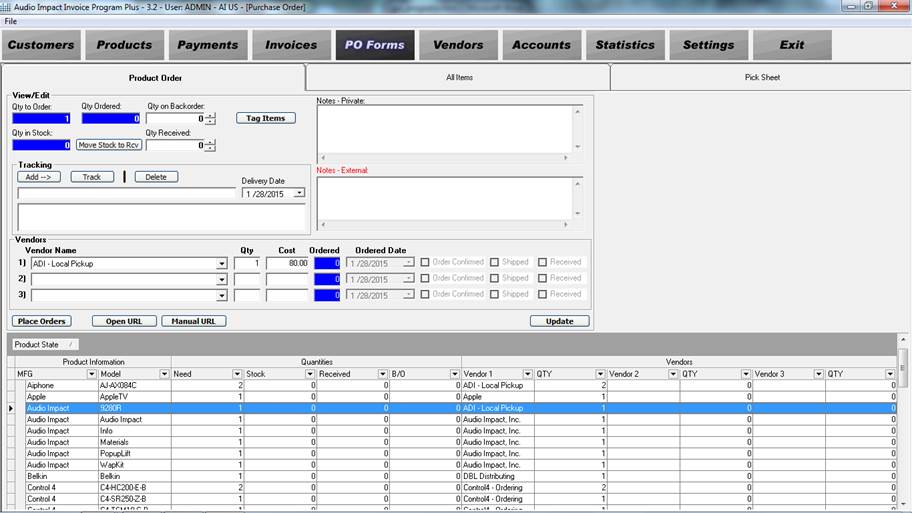
There is not a large amount of product that Audio Impact can have laying around so it is import to be able to order the required components for a job “just in time”. The Purchase Orders form make this a seamless process for a user to perform and stores the information about the job.
1.2.6 Accounts
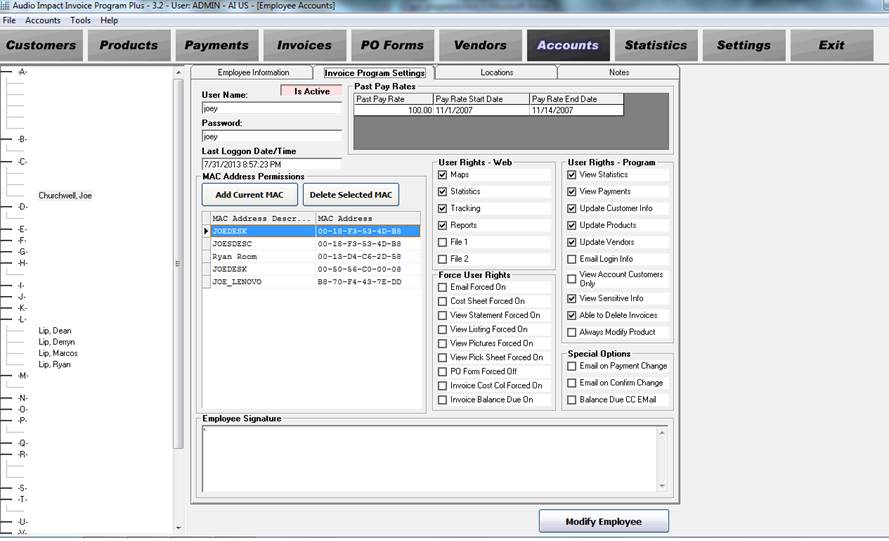
Users need to have special privileges and credentials to login to the program. Since Audio Impact has numerous employees in multiple locations this is an absolute requirement. It is important to note that users are also tied to their computer’s hardware MAC address (including other more confidential computer parameters) to limit the proliferation of the program to people that should not be able to have unwarranted access. Employee names have been deleted for their privacy.
1.2.7 Settings
Of course all advanced programs need to have settings defined.
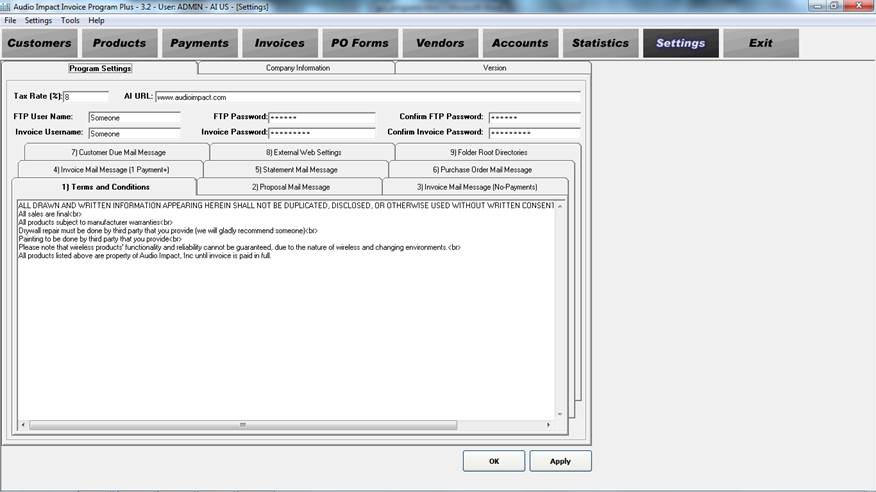
The Audio Impact invoice program has many more features that I am not able to go into detail about in this document but a demonstration can be arranged.
1.3 Resistor Color Code
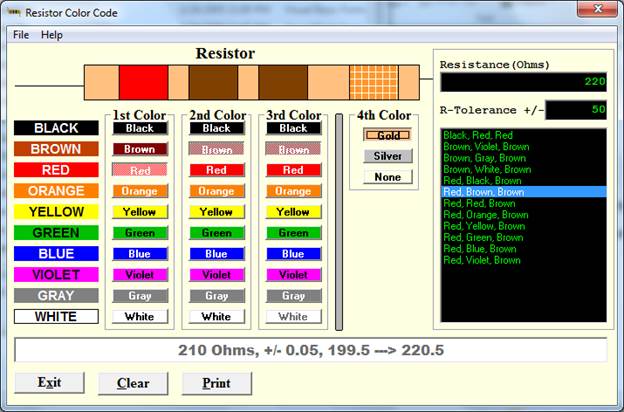
Before the internet became enriched with web based programs (in this case ~2005) I developed a resistor color code calculator. You can select the color codes on the GUI to determine a particular resistance value. Inversely, you can also put in a resistance into a text box and the program will display the color codes that would give such a resistance value.
You can download the program here: resistor_color_code.exe
1.4 Modified A* Rover Simulation
I don’t yet have a great example of a project that I am truly interested in these days since it is dependent on the micro-controller that I use. Software with machine interaction is really what I care about and what I would like to do. Robots that can move autonomously through an unknown environment most certainly fits the bill.
The video below was generated from the GUI application I built to show the path that an autonomous rover will traverse. The video is a little choppy as compared to running the application. You can download all the source code, application files, and directions for this project here. Please note the GUI code is a bit raw due to time constraints and I really placed more emphasis on the C++ code when doing this for my class assignment as the GUI was just extra credit.
Note: The best way to run the application is to go into the run folder and load the GUI using a pre-configured file. You can load these files using the ‘L’ keyboard key which is what I did in the video.
|
|